One secure home for every document.
Keep leases, receipts, and the paperwork for every rental in a folder for each property. Signed leases file themselves, and everything stays private by default.
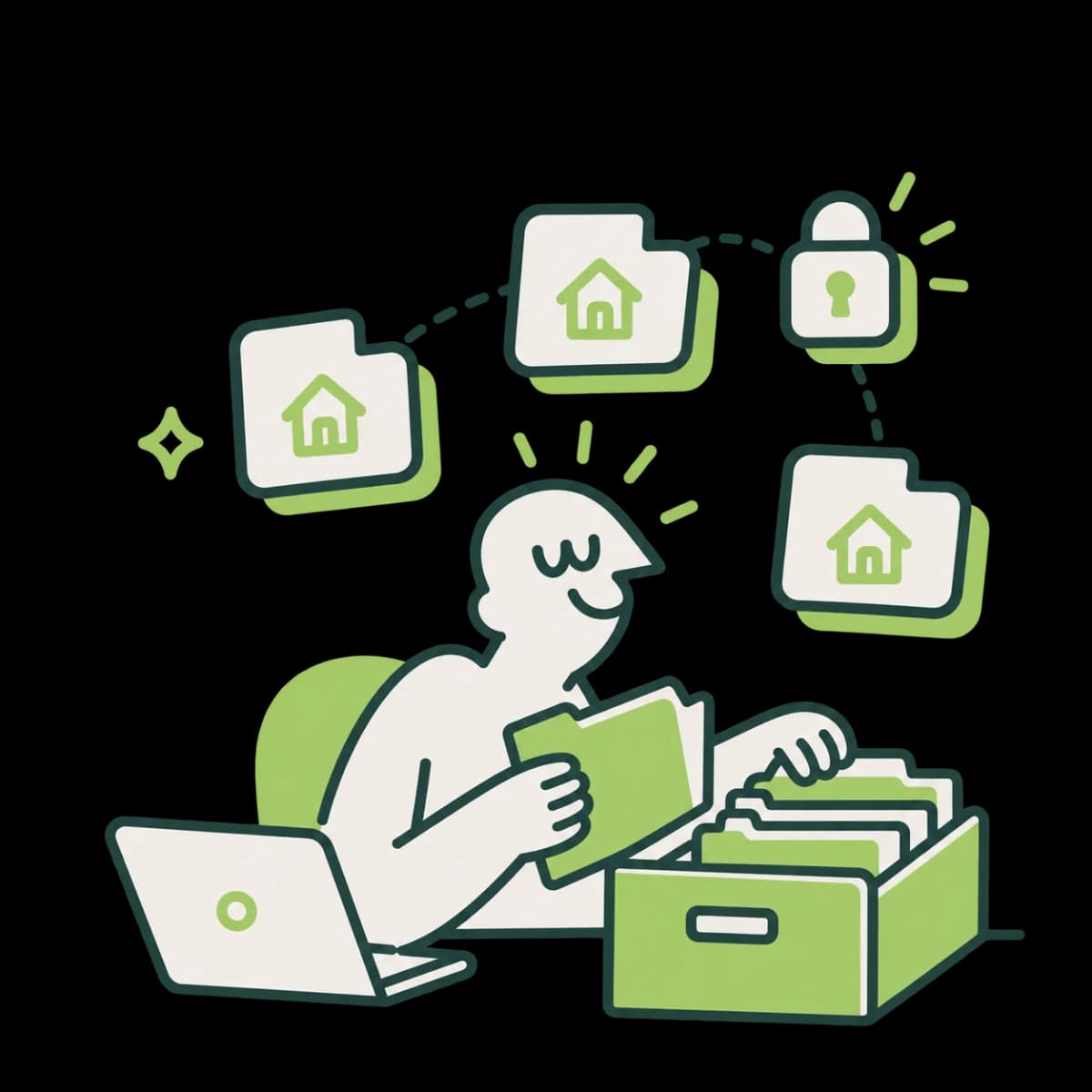
A folder for every property
Each property gets its own folder, plus a General space for everything else. Nest folders and keep notes alongside.
Find anything fast
Search by name, description, or tag, and find a file even when you mistype its name. Preview PDFs and images right in the browser.
Private by default
Files live in private storage, and only the people on a property can see its documents.
Every property, its own folder.
Open a property and its leases and files are there, with a General space for the rest.
Got questions?
Questions, answered
How much storage do I get?
1 GB per user, at no cost.
What can I upload?
PDFs and images (JPG, PNG, and WebP), up to 100 MB per file. Drag them straight onto a folder, and large uploads resume if the connection drops.
Who can see my documents?
A property's documents are visible only to the people who manage that property in TenantBird. Files in your General space are visible only to you. Nothing is ever posted on a public link.
Are signed leases saved automatically?
Yes. When everyone has signed a lease with E-Lease, the signed PDF is filed in that property's Leases folder.
How do I find a document later?
Search by file name, description, or tag (file names match even with a typo), or filter by type, tag, or starred files.
What if I delete something by mistake?
Deleted files go to the trash, where you can restore them.
Still have questions? Get in touch
Ready to streamline
your leasing process?
Go from application to signed lease in one place, without the back and forth.
Get started